
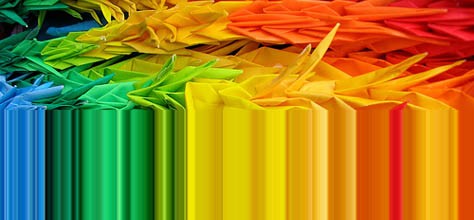
If you’re looking for a new way to find color inspiration in your photos, try this simple Photoshop technique to pull out colors from a single pixel line and create some unique color artworks… there are so many vastly different results from the same images depending on where you select the single pixel line. Try it out:
Photoshop Instructions
-Open Any Photo You Want
-Use the Single Row Marquee Tool & Select a Single Pixel Row
-Transform (CTRL+T) & Stretch to Full Height
-Then Use Filter > Artistic > Dry Brush
http://www.colourlovers.com/blog/2008/08/22/single-pixel-color-inspiration-from-photos/